Minerva · Staff Manual
Calendar
The institution's year at a glance: holidays, events, and working days.
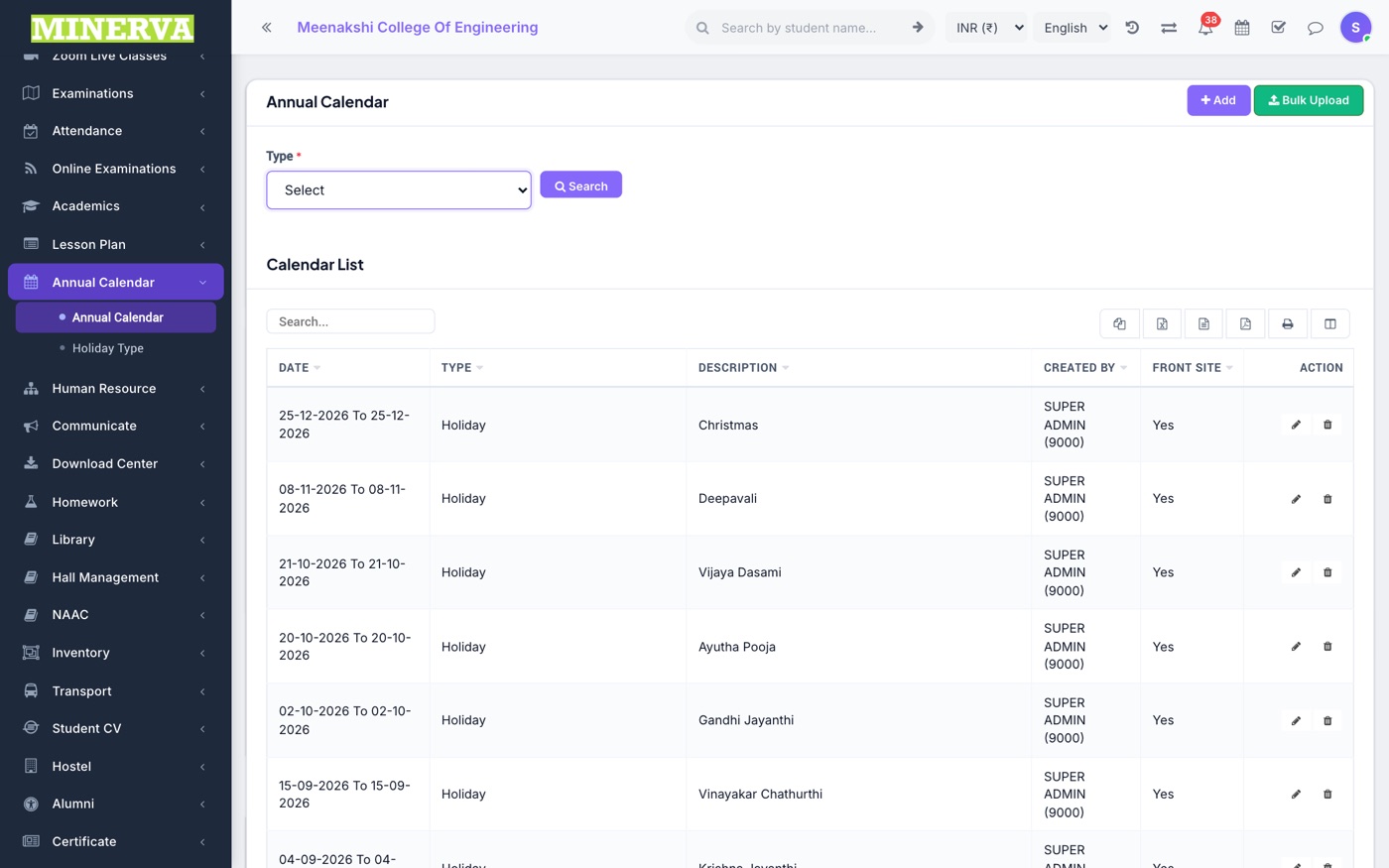
Annual Calendar
Month grid of holidays/events, including half-day holidays and working days (see below).
- Click a date (or + Add) to create an entry with its holiday type and description.
- Entries show on staff/student dashboards and count into attendance working-day math.
Half-day Holidays, Working Days, Compensation & Early Closing
When you press + Add, first choose the Day type. It decides how the date counts for staff attendance, payroll and student attendance.
| Day type | Use it for |
|---|---|
| Holiday | A full day off (public holiday, festival, vacation). Same as before. |
| Half-day holiday | Only half the day is off. Choose First half (morning off, work after lunch) or Second half (afternoon off, work before lunch). |
| Working day | Makes a day that is normally off into a working day: a Sunday, a holiday Saturday (2nd/4th), or a date covered by a holiday. |
| Compensation day | A weekend worked in place of a holiday. Optionally pick the holiday it replaces under In place of. |
| Early closing | A working day that ends early, e.g. the college closes at 3:00 PM because of heavy rain or a natural calamity. Enter the Closes at time. |
Adding a half-day holiday
- Press + Add, choose Half-day holiday.
- Pick the holiday type and dates, then choose First half or Second half.
- Save. The list and calendars show the entry as, for example, "Diwali (First half)".
The day is split at the start of the lunch break in the timetable periods. If no lunch break is set, it splits at 1:00 PM.
How payroll counts a half-day holiday
| Staff attendance that day | Loss of pay |
|---|---|
| Present, or Half Day marked | 0 |
| Absent, late or on permission only in the holiday half | 0 |
| Absent only in the working half | 0.5 day |
| Absent the whole day, or no attendance | 0.5 day (not 1) |
- The day counts as half a working day in the month's working days.
- Approved leave on that date covers at most half a day.
- The staff attendance report counts the day the same way as payroll.
Working days and compensation days
- Both count as a normal working day: staff are expected to attend, and an absence is loss of pay like any other working day.
- A Working day is refused on a date that is already a working day.
- A Compensation day must fall on a weekend.
Students
- Schools (day-wise attendance): a half-day holiday is a normal school day. Attendance is taken as usual.
- Colleges (period-wise attendance): only the periods in the working half are taken. Periods in the holiday half are left out of marking, teacher coverage, the attendance dashboard and reports.
- Working and compensation days are school/college days for students too.
Early closing days
- Press + Add, choose Early closing, pick the date(s) and enter the Closes at time (for example 3:00 PM).
- Save. The calendar shows the day as, for example, "Closes 3:00 PM".
| Staff left (closing at 3:00 PM) | Marked as |
|---|---|
| At or after 3:00 PM | Present (not permission, not half day) |
| Within the hour before closing (2:00 – 2:59 PM)* | Second half permission |
| Earlier than that | Same as any normal day |
- * The permission window keeps the same length as your usual Second Half Permission timing, just moved to end at the closing time (one hour when no permission timing is set).
- Arrival rules (late, first half permission) do not change.
- Payroll, the staff attendance report, the staff profile and the mobile app all use the same rule.
- Colleges: periods that start at or after the closing time are not taken that day — they drop out of marking, teacher coverage and the attendance dashboard.
- Early closing is only for a working day — not a weekend, a holiday or a half-day holiday.
- You can add an early closing for a day that has already passed: payroll, the attendance report and the staff profile work it out from the punch times, so they follow it straight away.
Tip: Add the half-day holiday before generating that month's payroll. If payroll was already generated, generate it again so the loss of pay is recalculated.
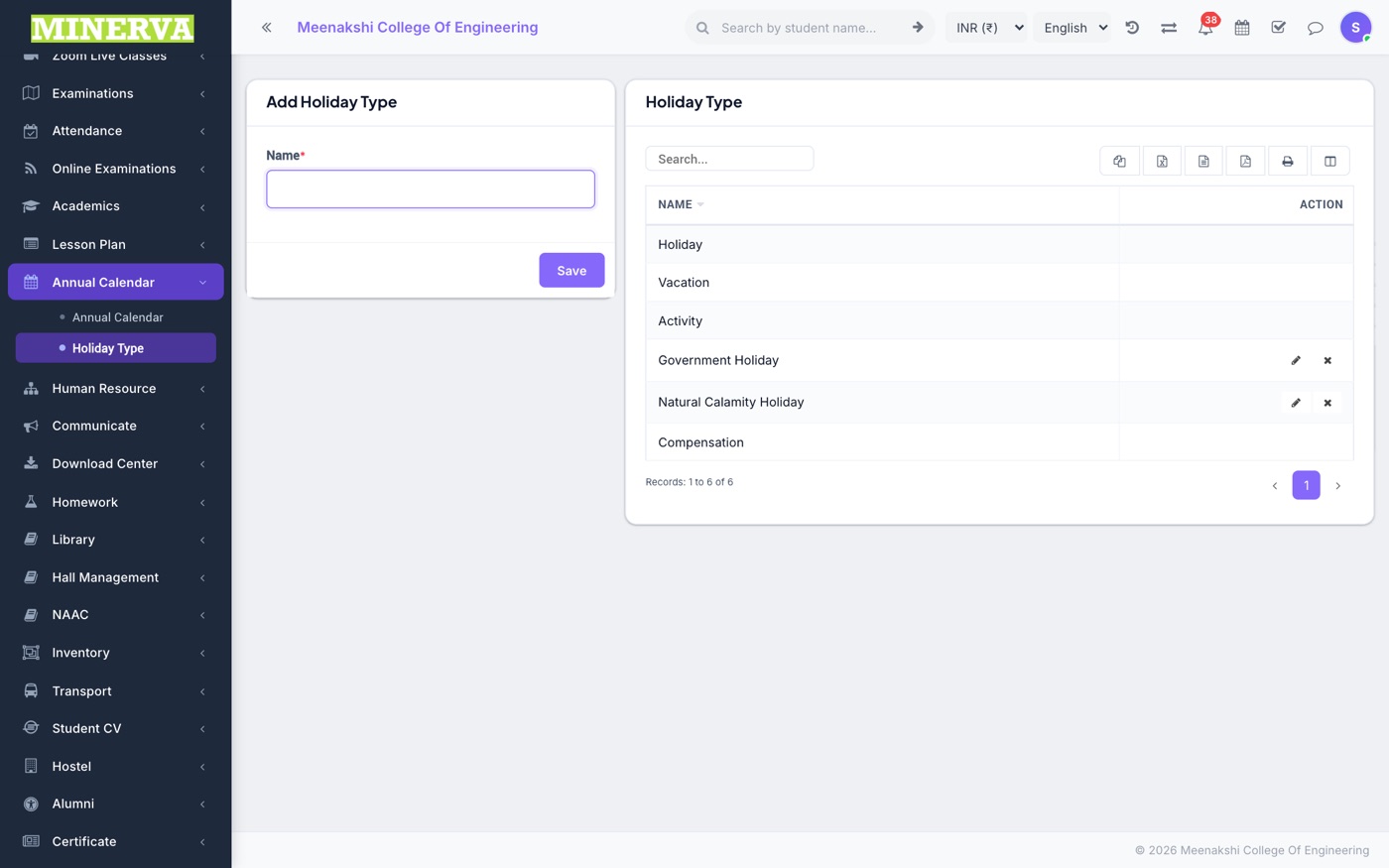
Holiday Type
Categories (public holiday, exam day, event…) with colors — add/edit/delete.